
PRODUCT PHOTOS → CONSISTENT CANVASES
Resize product images for Shopify.
Choose a consistent canvas, preserve the product, and check the delivered files before adding them to your store. Batch resizing here does not connect to or publish into Shopify.
Resize 20 photos free ↗50 MB per Free batch · JPEG, PNG or WebP · no account
ONE ORIGINAL. TWO DELIVERY SIZES.
A square canvas without stretching.
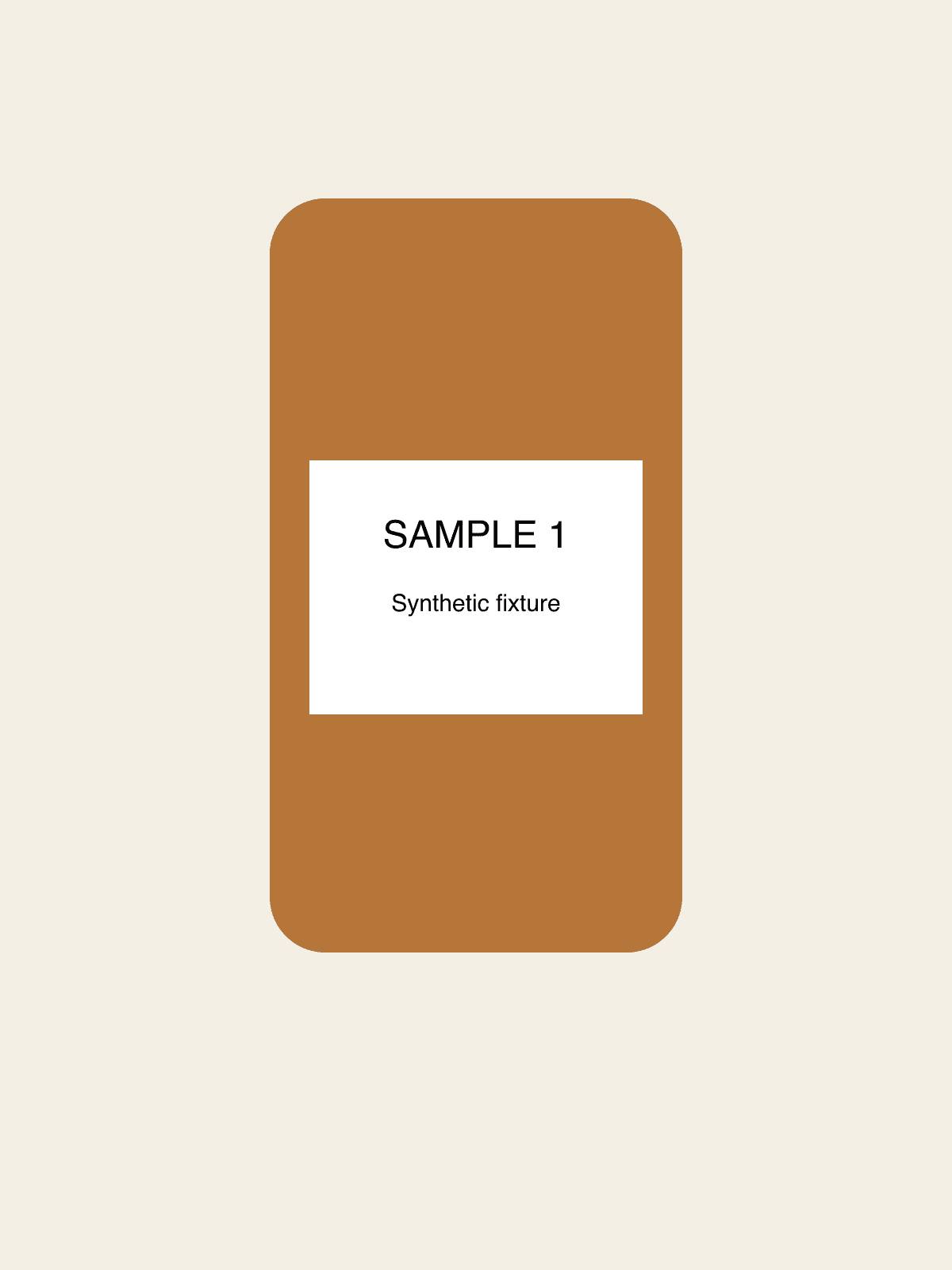
This labeled synthetic original is 1200 × 1600 pixels. Our worked pack places it on a 2048 × 2048 JPEG canvas and creates an 800 × 800 WebP copy. The larger canvas adds padding; it does not enlarge the product.
Inspect the actual six-image ZIP ↗What size should Shopify product images be?
Shopify’s current documentation recommends 2048 × 2048 pixels for square product photos. It accepts product images up to 5000 × 5000 pixels or 25 megapixels, with files smaller than 20 MB. Theme behavior and aspect ratio also affect display. Check Shopify’s product-media guidance before publishing.
These are Shopify’s limits, not this tool’s import limits. CatalogResize accepts originals up to 10 MB / 32 megapixels, and output dimensions up to 4096 pixels per side. A preset is a starting point, not an upload or theme-compliance guarantee.
Make a two-size product-photo pack
- Open the Free tool and select supported originals or use Try example.
- In Delivery recipe, set the first profile to 2048 × 2048, JPEG and Contain / pad. Choose your solid background. Keep a second 800 × 800 WebP profile if that suits your handoff.
- Review each preview. Smaller originals remain at native resolution; manual crops need your approval.
- Export the ZIP. Check both profile folders, the manifest and exceptions before manually uploading the images to Shopify.
JPEG, PNG or WebP?
JPEG flattens transparent areas onto your chosen background. Use PNG or WebP with Preserve alpha when you need transparency. All three formats work in the tool; Shopify also accepts formats this tool does not, including HEIC. We support static images only and do not guarantee a compressed byte target.
When the next delivery uses the same recipe
Free completes small batches locally. Pro adds saved projects and recipes, 100-item jobs and private server exports for repeated work. It does not add automatic Shopify publishing, background removal or AI upscaling.
Need SKU names and a catalog delivery checklist? Follow the worked guide ↗
Platform guidance checked October 8, 2026. CatalogResize is an independent tool.